Photo storage, search and sharing for photographers
From the card to the people in the pictures.
Keep every original you shoot, RAW included. Find any frame by what's in it. Then send the shoot as an album that family and clients open from one link — no app, no account.
10 GB free · No card required
Iceland, July 2024
Jakub Hałun
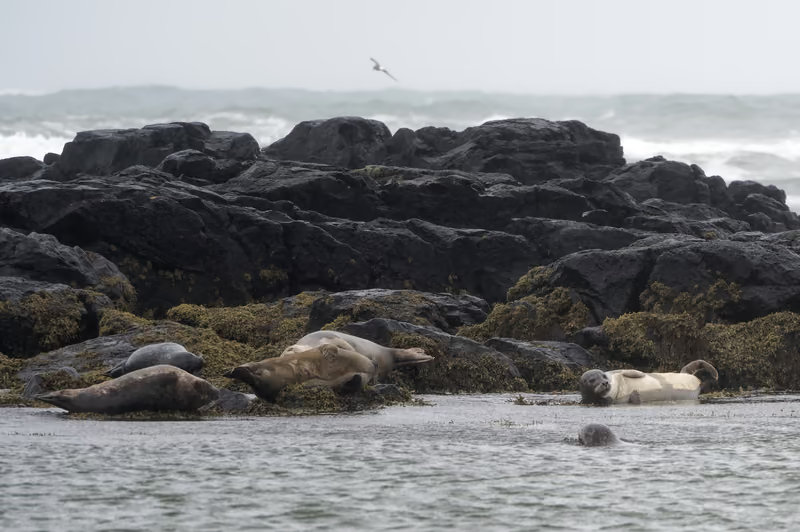 1300 mm · ƒ/6.3 · 1/640 s
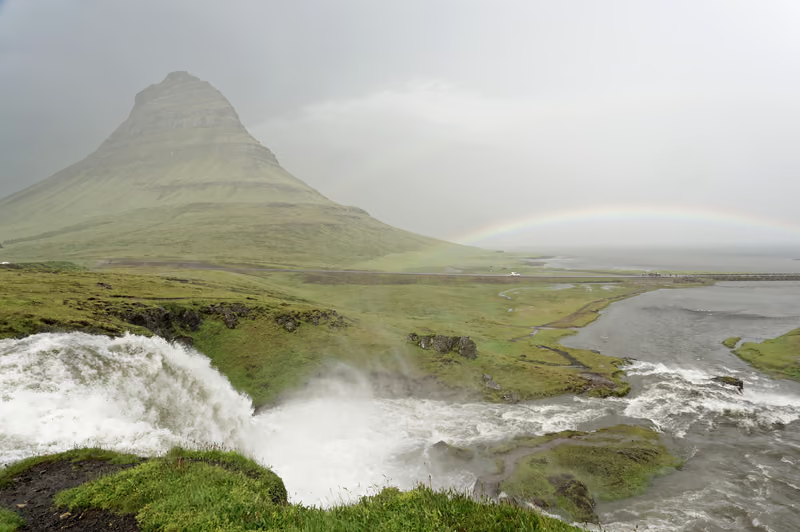 2, circled24 mm · ƒ/8 · 1/250 s
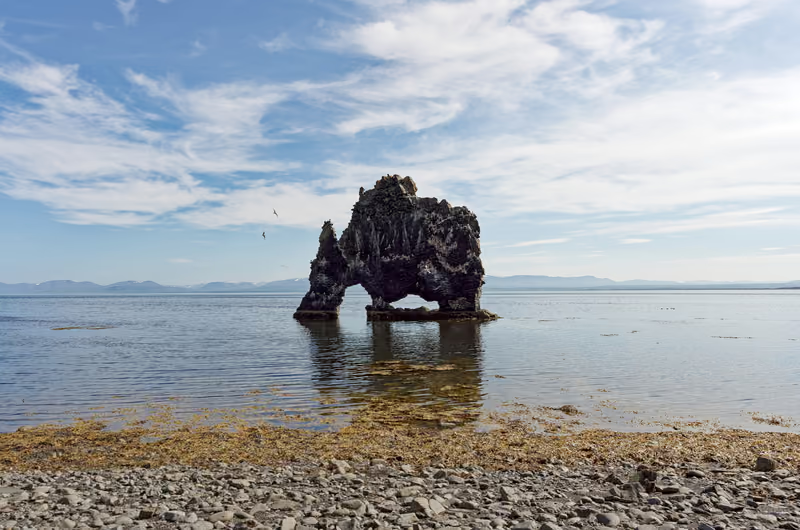 324 mm · ƒ/9 · 1/320 s
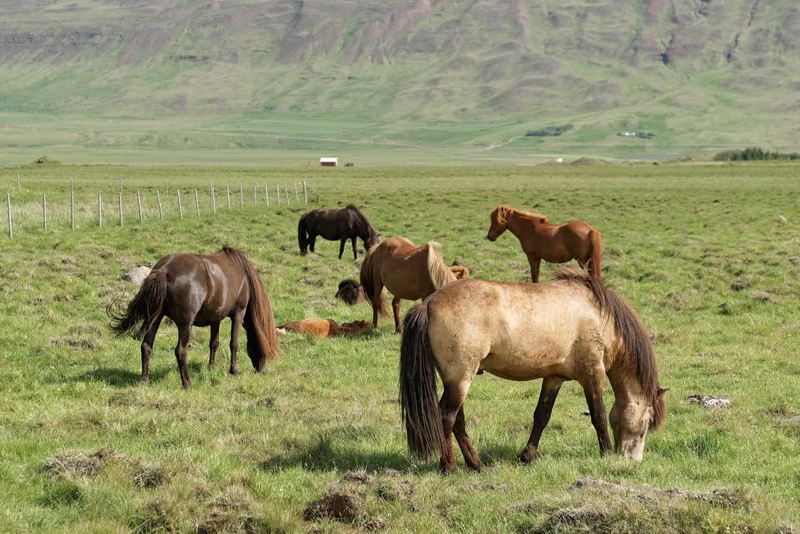 466 mm · ƒ/5 · 1/400 s
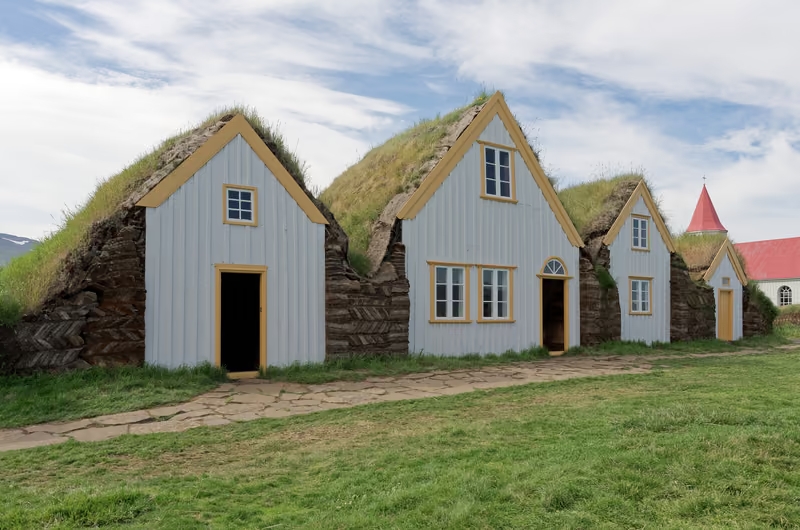 524 mm · ƒ/9 · 1/250 s
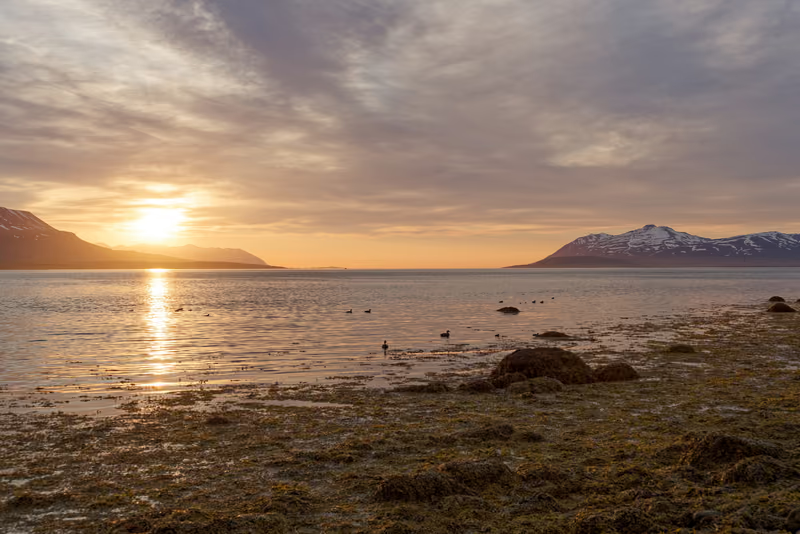 6, circled42 mm · ƒ/9 · 1/80 s
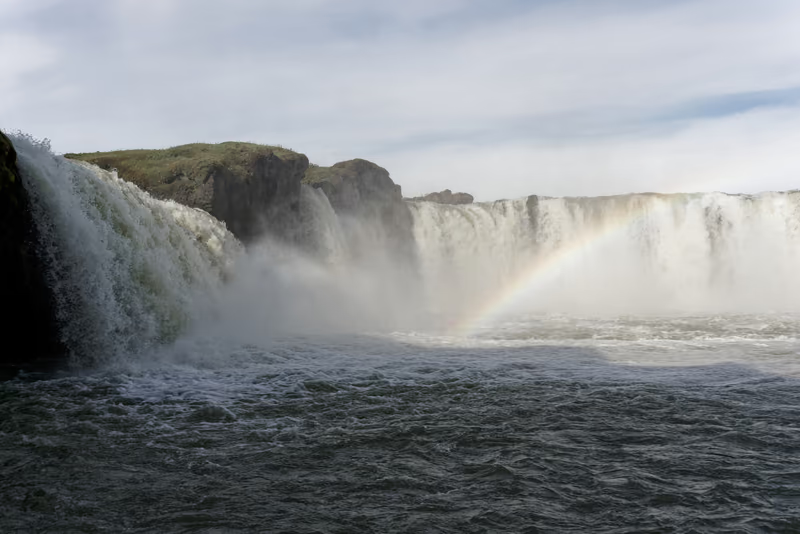 734 mm · ƒ/9 · 1/400 s
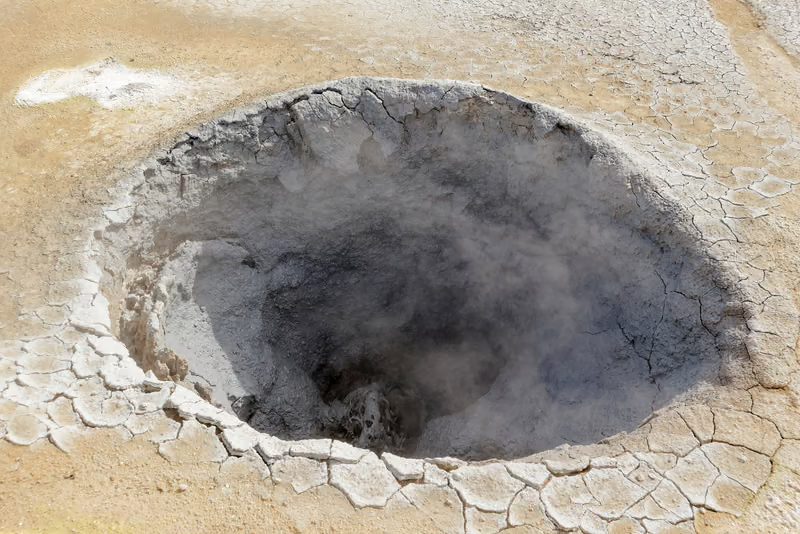 842 mm · ƒ/9 · 1/160 s
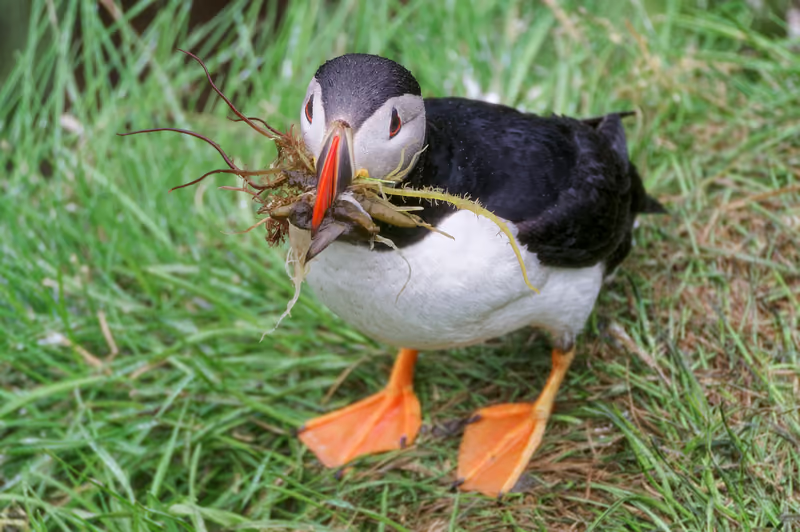 9, circled300 mm · ƒ/6.3 · 1/800 s
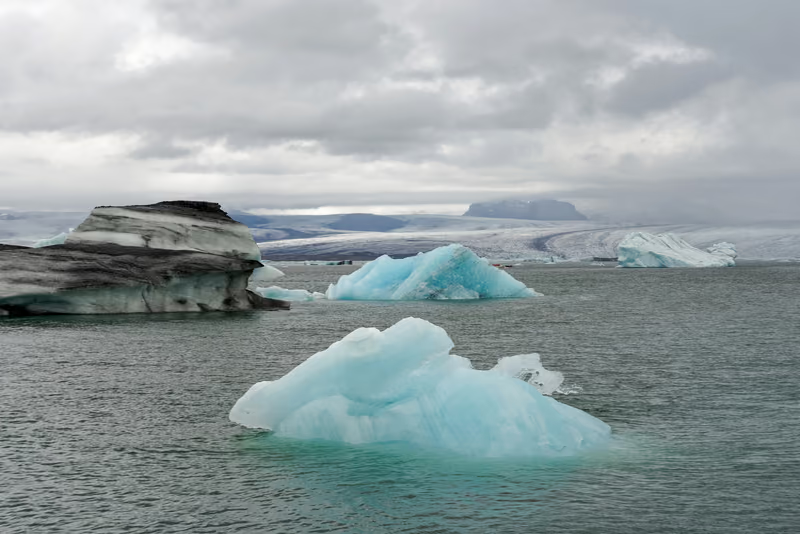 1045 mm · ƒ/8 · 1/400 s
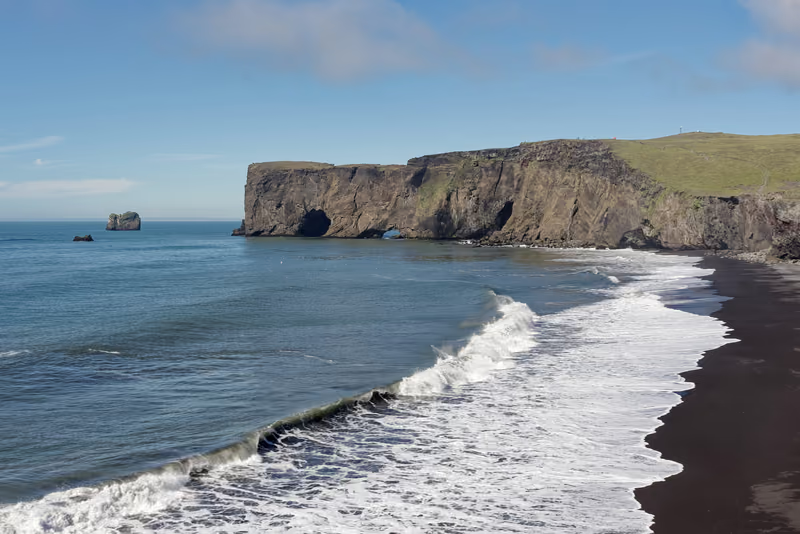 1135 mm · ƒ/8 · 1/800 s
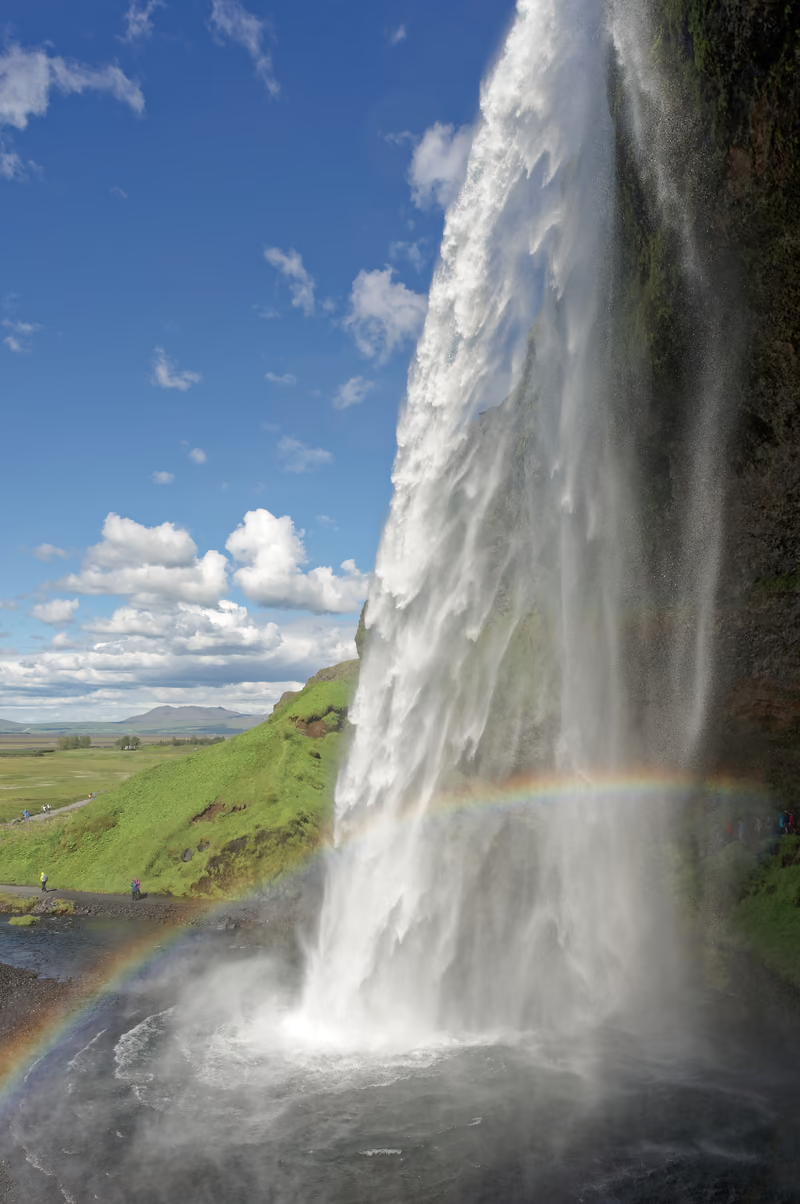 1224 mm · ƒ/8 · 1/500 s
Share
Send the shoot, not a folder of files.
Make an album from the shoot's folder, from the photos you pick, or straight from a search — a photo can be in as many albums as you like, and nothing is moved or copied. Then choose how it opens. Family and clients get one link that works in any browser, on any phone.
One album, four ways to open it
The cover as large as the screen, then every photo in rows at its own shape — never cropped. Visitors can press Play.
About Gallery →About Film →About Contact Sheet →About Story →Every template is free on every plan, and one link opens in any of them. Any album also plays as a photo frame on a tablet at home — photos you add turn up on it by themselves.
Jakub Hałun
Iceland, July 2024
21 photos
A week around the Ring Road, from Snæfellsnes to the south coast.
Highlights
All 21 photos
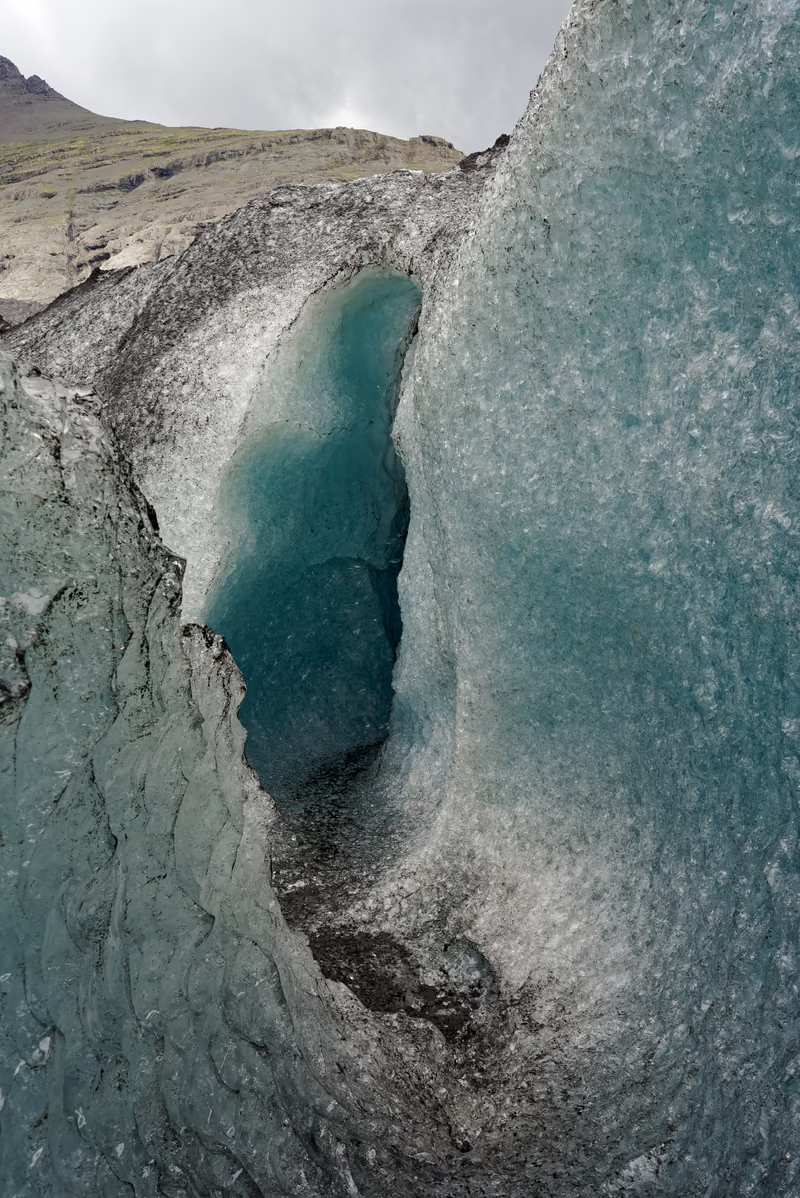
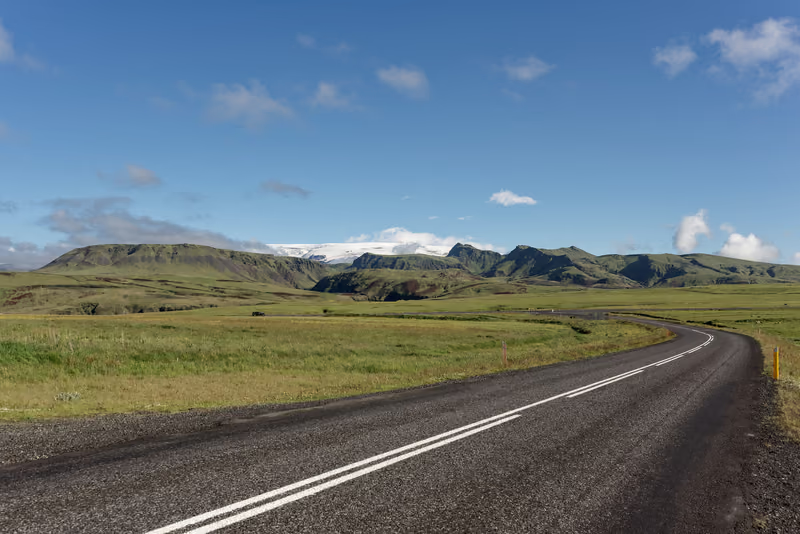
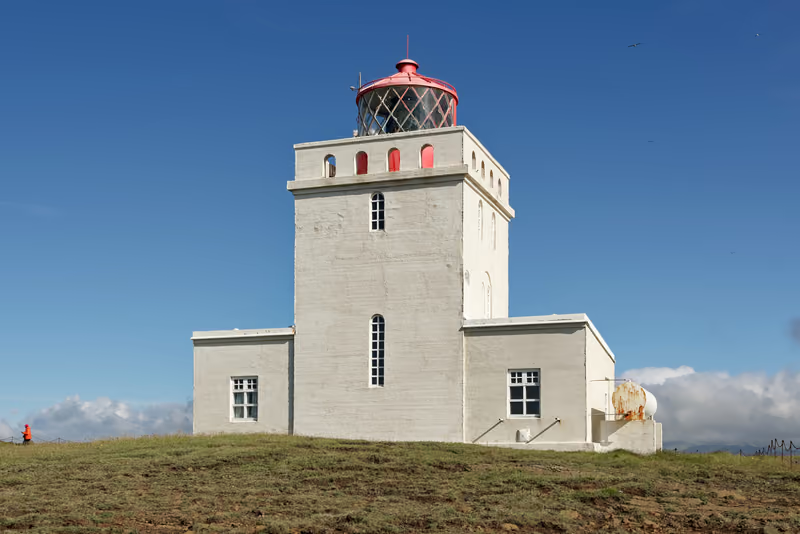
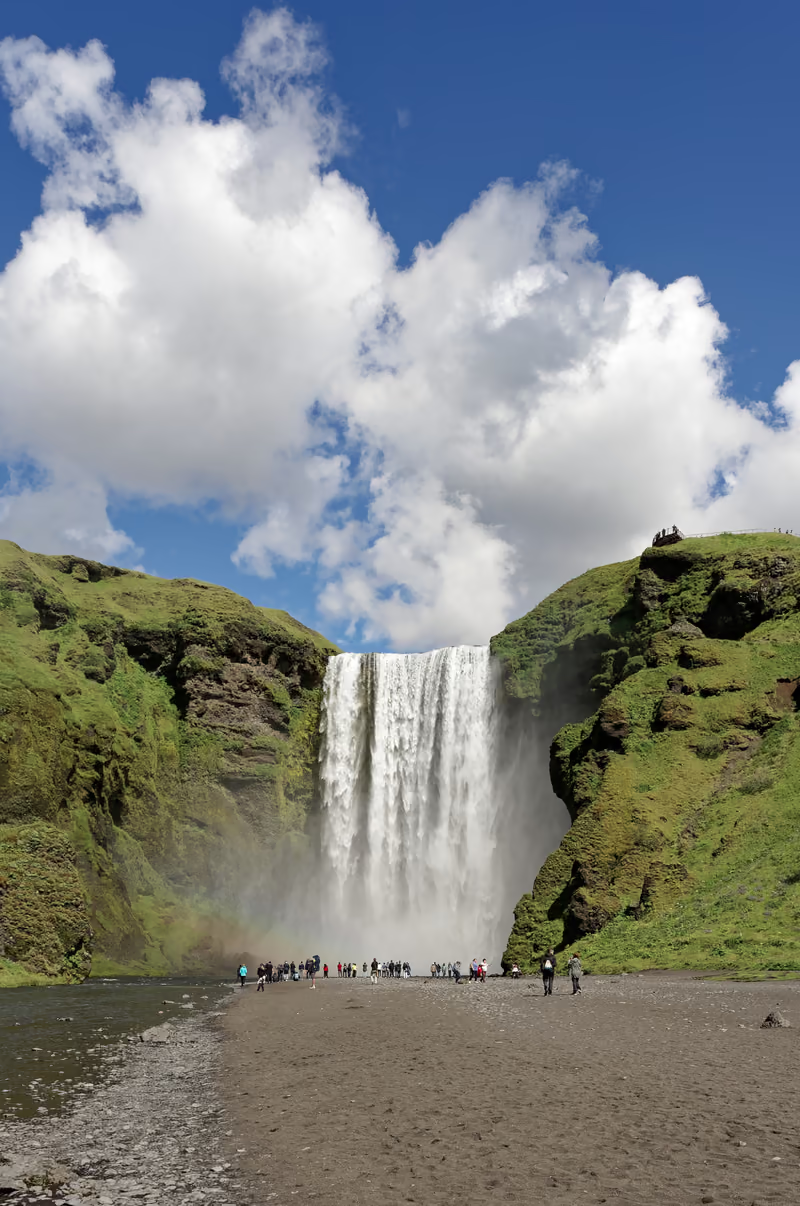
The first look is in the chat
Paste the link into WhatsApp, iMessage or Slack and it arrives as a card: the cover, the title, how many photos. A link behind a password or a list shows a plain card.
Or let Media Moana send it
Add their addresses, and each person gets an invitation with your name on it, the cover, a strip of photos and your note. Replies come to you.
Then see that it landed
How often it was opened, and which photos people loved — they tap ♥ without signing in. After a week with visits, a summary comes on Monday.
Who sees it, and what leaves with it
- Anyone with the link, or only the people you add
- On a list, each person gets in with the button in their invitation, or a six-digit code sent to their address. No account, no app.
- Where it was taken stays with you
- Location is left out of the photos visitors see and the files they download, unless you choose to keep it.
- Originals, or the photos on the page
- Let them download the files as you uploaded them — a RAW stays a RAW — or keep it to viewing copies. Download all is one zip.
- A password, an expiry, an off switch
- Ask for a password, let the link expire in a day, a week or a month, or turn it off: it stops opening at once. Album pages are kept out of search engines.
- Your name at the top
- Your name and logo head the page, and your logo as a watermark on the photos is one switch away.
- On paper, too
- Any album prints or saves as a PDF, and turns into a photobook laid out for Blurb or Lulu — made in your browser from the full-size photos.
Find
Find the frame you remember.
Every photo is analyzed once, on every plan: the scene, what is in it, any text in the frame, landmarks, how many people, and a star rating with what works and what doesn't. Type what you remember — search also goes by meaning, so other words for it work too.
3 photos for “puffin” · A word the analysis wrote
11:23
11:25
Recommended
Bursts come as one
Look-alike shots taken within a couple of minutes are grouped, and the one the analysis rated highest — then the sharpest — is marked. Keep that one or pick another, and the rest go to the trash in one click.
Or narrow it down
- How it was taken
- Camera, lens, focal length, aperture, shutter speed and ISO — typed as a filter or picked from a list.
- Where and when
- The city, county, state or country, and the day, month or year it was taken.
- Your own marks
- The stars, flags, color labels and keywords Lightroom, Bridge, Capture One or Photo Mechanic wrote into the file.
- A map and a calendar
- Every photo with a position on a map, and the library under month headings, year by year.
Keep
Every original, exactly as it left the camera.
Upload single files, or a folder off the card with its subfolders. RAW and HEIC files are kept byte for byte and get a preview that opens in any browser — and the file you download or export later is the one you uploaded.
- Up to 250 MB a file
- The same file uploaded twice is skipped
- Deleted photos wait in the trash for 30 days
- Export the whole library — originals, folders and a metadata file per photo — whenever you like
- Canon
- CR2 · CR3 · CRW
- Nikon
- NEF · NRW
- Sony
- ARW · SR2 · SRF
- Olympus / OM System
- ORF
- Panasonic
- RAW · RW2
- Fujifilm
- RAF
- Pentax
- PEF
- Adobe DNG
- DNG
- Minolta
- MRW
- Samsung
- SRW
- Hasselblad
- 3FR · FFF
- Phase One
- IIQ
- Mamiya
- MEF
- Kodak
- DCR · K25 · KDC
- Leica
- RWL
Beside JPEG, HEIC, TIFF, PNG, WebP and AVIF. Each one gets a preview that opens in any browser.
When a photo needs a little more before it goes out.
Presets
Ready-made versions for where a photo is going next. Each one makes a new file and leaves the original alone.
- Share and web gallery size, and one under 1 MB for messages
- Instagram portrait, square and story
- Prints from 4×6 to 16×20 inches, cropped or on a white border
- Your logo as a watermark, for the web and Instagram
- JPEG from RAW or HEIC
- Lossless archive, black and white, auto enhance
AI actions
One-click fixes for old scans, family prints and grainy high-ISO frames. Each fix a photo gets is one action: 20 a month on Pro, 50 on Studio.
- Restore an old photo in one go
- Restore faces
- Colorize a black-and-white photo
- Reduce high-ISO noise
- Clean dust and scratches off a scan
- Upscale four times
- Remove the background
Quick edits
For the photo that only needs straightening before it goes out — the retouching stays in your editor of choice.
- Crop, freely or to a ratio
- Rotate, flip and straighten
- Save as a new photo
What you can count on
- Your files stay yours
- Export the whole library — originals, folders and metadata — at any time, on any plan.
- Over your storage, nothing is held back
- The library turns read-only: new uploads wait, while browsing, sharing, downloading and exporting keep working.
- Private until you share
- Only you see your photos until you share them. Share links leave out location unless you say so, and we don’t train AI models on your photos.
What it isn’t
- Not a phone backup
- There is no app and no automatic camera-roll upload. It is made for the photos on your camera’s card.
- Not a client storefront
- No proofing, no print sales, no shop — a link your clients and family can open, and that’s it.
- Not a retouching tool
- Keep your usual editing app for that. Here you crop, rotate and straighten before a photo goes out.
Priced by storage. Nothing to count.
Every plan analyzes every photo and shares by link. You pay for room: nothing is priced per photo, and there are no overage bills. Go over your storage and the library turns read-only — you can still browse, share, download and export.
Free
$0
a month
No card required
Room for a RAW shoot — enough to upload it, find what’s in it and share it.
- 10 GB of storage for your originals
- Every photo analyzed and searchable
- Share albums by link
- Presets without limit
- Email support
Pro
$15
a month
or $150 a year — ten months’ price
For a working library, with a few AI fixes each month.
- 500 GB of storage for your originals
- Every photo analyzed and searchable
- Share albums by link
- 20 AI actions a month
- Presets without limit
- Email support
Studio
$30
a month
or $300 a year — ten months’ price
For a big archive, or years of shoots.
- 1 TB of storage for your originals
- Every photo analyzed and searchable
- Share albums by link
- 50 AI actions a month
- Presets without limit
- Email support
Questions photographers ask.
All questions →Are my RAW files kept as they are?
Yes. The file you upload is stored byte for byte, and it is what you download or export later. Media Moana makes a preview of it for viewing, so a RAW or HEIC file opens in any browser. Presets and AI actions always make a new photo and leave the original untouched.
What can the people I share with do?
Look through the album full-screen, play it as a slideshow, print it or save it as a PDF, mark the photos they love with a heart, and download it as one zip. By default they get viewing copies; allow original downloads and they get your files as you uploaded them. A link can also expire after 1, 7 or 30 days, or ask for a password — and you can turn it off at any time, after which it no longer opens.
Does sharing reveal where my photos were taken?
Not by default. The photos shown in a shared album carry no location at all, and originals downloaded from it have their GPS position removed unless you choose to keep it. You can choose to show the city or the country each photo was taken in, on the album's Preview tab — never the exact spot. Your own library keeps the location, for the map and for search.
What happens if I go over my storage?
Your library turns read-only — never held hostage. Uploads, copies and new photos from presets or AI actions wait until you upgrade or empty the trash (photos in the trash still count); browsing, sharing, downloading and exporting keep working. The same holds after a failed payment's 7-day grace, when a cancelled plan ends, or after a move to a smaller plan. The library warns you once it is nine-tenths full.
Can I take my whole library with me?
Yes. Export is always available — at any time, on any plan, over your storage or not: Account → Privacy & GDPR → Export your library. You get your originals, byte for byte, in their folders, a metadata file for each photo and your account data, as one or more zip files. We email you when it is ready, and it stays downloadable for 7 days.
Do you train AI models on my photos?
No — we don't train any model on your photos. The analysis is only sent to model providers that don't collect the data they are given, and for an AI action the provider gets a copy of the photo with its metadata, location included, removed.
What is an AI action?
One of the one-click fixes — restore faces, colorize, upscale, reduce noise, clean dust and scratches off a scan or remove the background — on one photo. Restore Old Photo does the first three in one go and uses one action for each: 3 a photo, or 2 for a photo already in color, which it does not colorize. Draft captions, which writes first captions for an album's photos, uses one for every 50 drafts. Pro includes 20 a month and Studio 50; the count starts over every month, on yearly plans too. The Free plan has none. When you run out, you can move up a plan — there is nothing to buy per photo.
Is there a phone app?
No. You use Media Moana in a web browser, and the people you share with open albums in any browser, on a phone too. There is no app and no automatic backup of a phone's camera roll — it is made for the photos on your camera's card.
Start with one shoot.
The Free plan's 10 GB is room for a RAW shoot: upload the folder, make it an album, and send the link. No card required.
The photographs on this page are Jakub Hałun's, from Iceland in July 2024, published on Wikimedia Commons under CC BY 4.0; here they are resized, and some are cropped to fit a frame.
Each photo's source
- Harbor seals, Ytri Tunga Beach, Iceland
- Kirkjufell Mountain, Kirkjufellsfoss waterfall and a rainbow caused by the sun and heavy rain at the same time
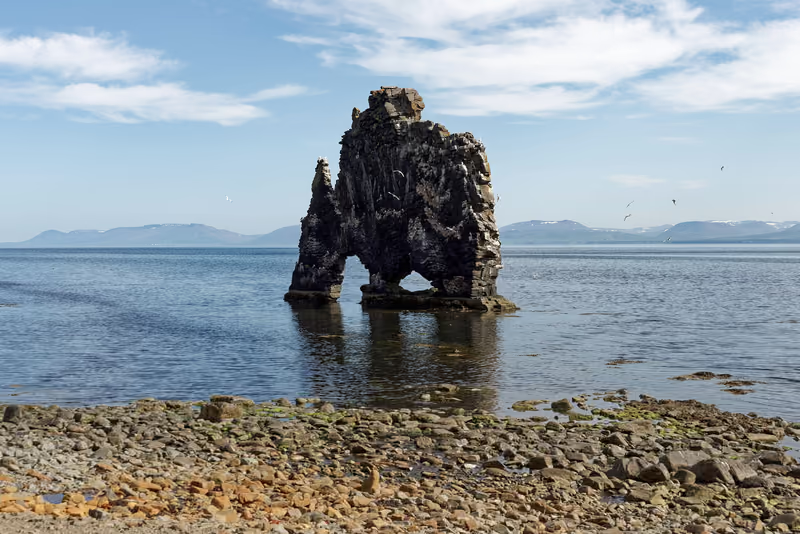
- Hvítserkur, a basalt stack in northwest Iceland
- Hvítserkur Sea Stack, Northwestern Region, Iceland
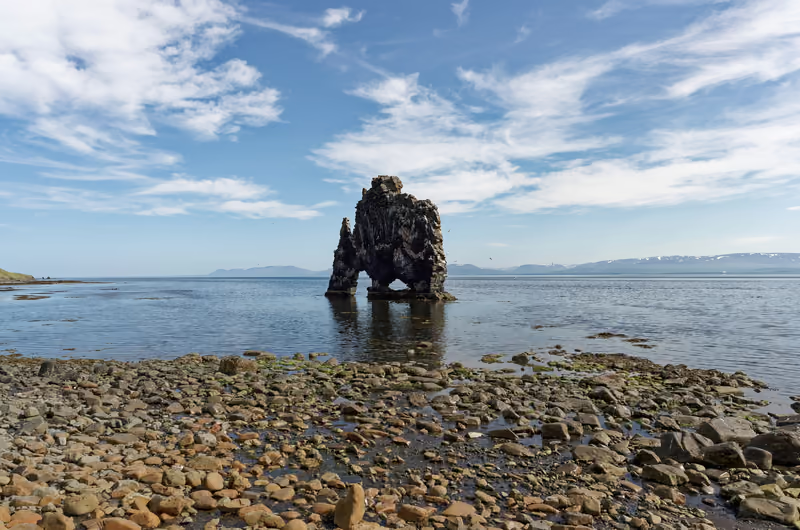
- Hvítserkur Sea Stack, Northwestern Region, Iceland
- Icelandic horses near Þrístapar in Húnabyggð municipality, Iceland
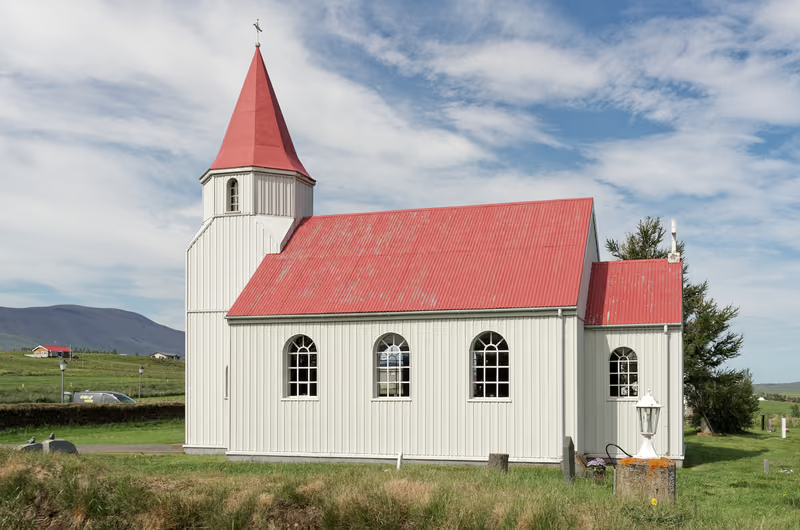
- Church in Glaumbær, Iceland
- Turf houses in Glaumbær open-air museum, Iceland
- View of sunset over Eyjafjörður in Svalbarðsstrandarhreppur commune, Iceland
- Goðafoss Waterfall, Iceland
- Mudpot in the Hverarönd geothermal area in Iceland
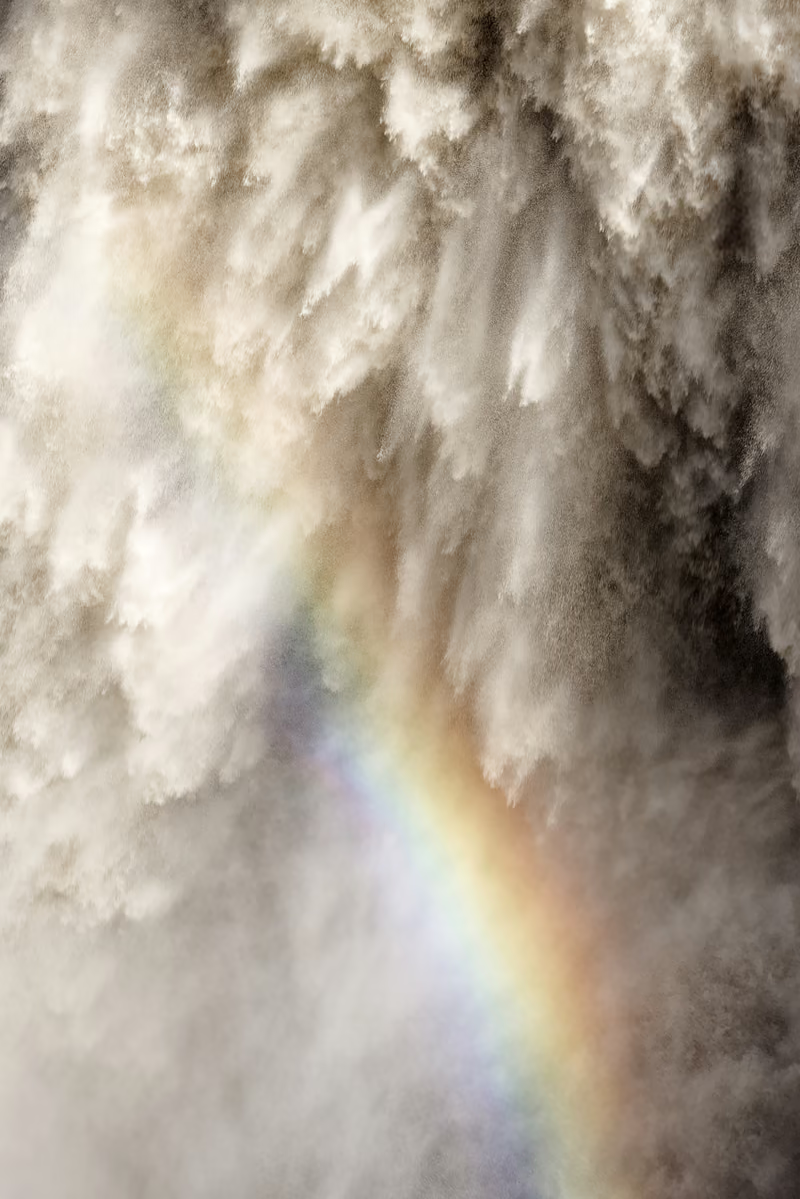
- Waterfall spray rainbow at Dettifoss, Iceland
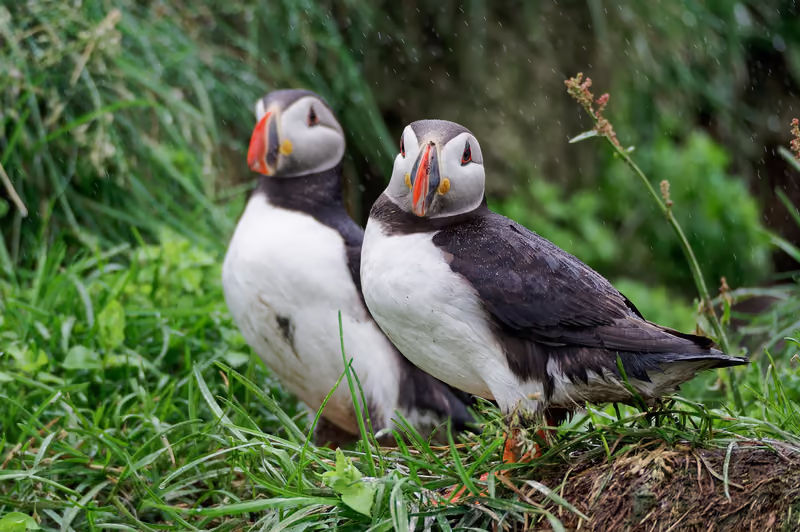
- Atlantic puffins (Fratercula arctica) in a colony in Bakkagerði, Iceland
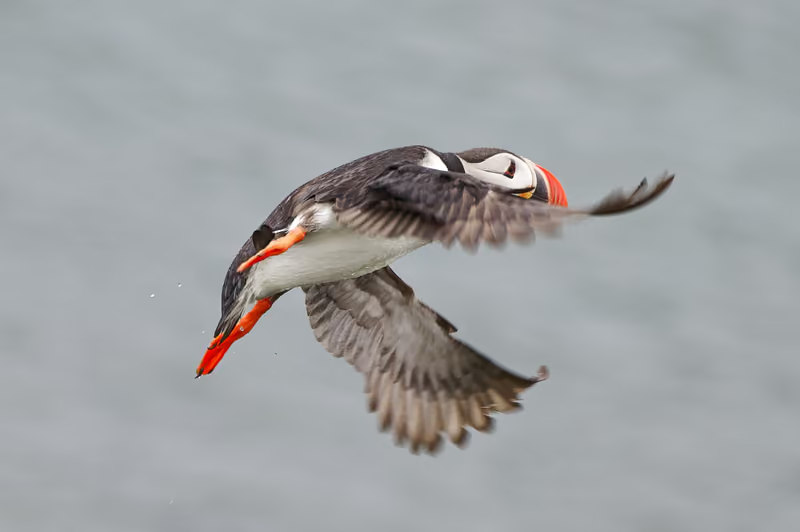
- Atlantic puffin (Fratercula arctica) in a colony in Bakkagerði, Iceland
- Atlantic puffin (Fratercula arctica) in a colony in Bakkagerði, Iceland
- Jökulsárlón glacier lagoon, Iceland
- Crevasse at Breiðamerkurjökull glacier, Iceland
- Road 215 in Mýrdalshreppur municipality with a remote view of the Mýrdalsjökull Glacier, Iceland
- Dyrhólaey lighthouse, Dyrhólaey, Mýrdalshreppur, Iceland
- Dyrhólaey Peninsula, Iceland
- Skógafoss Waterfall, Iceland
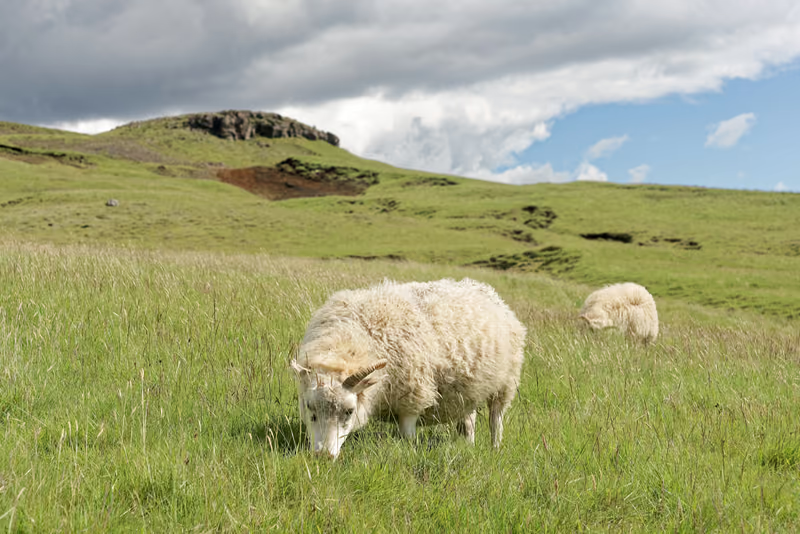
- Sheep in Rangárþing eystra municipality near Skógar, Iceland
- Seljalandsfoss Waterfall, Iceland